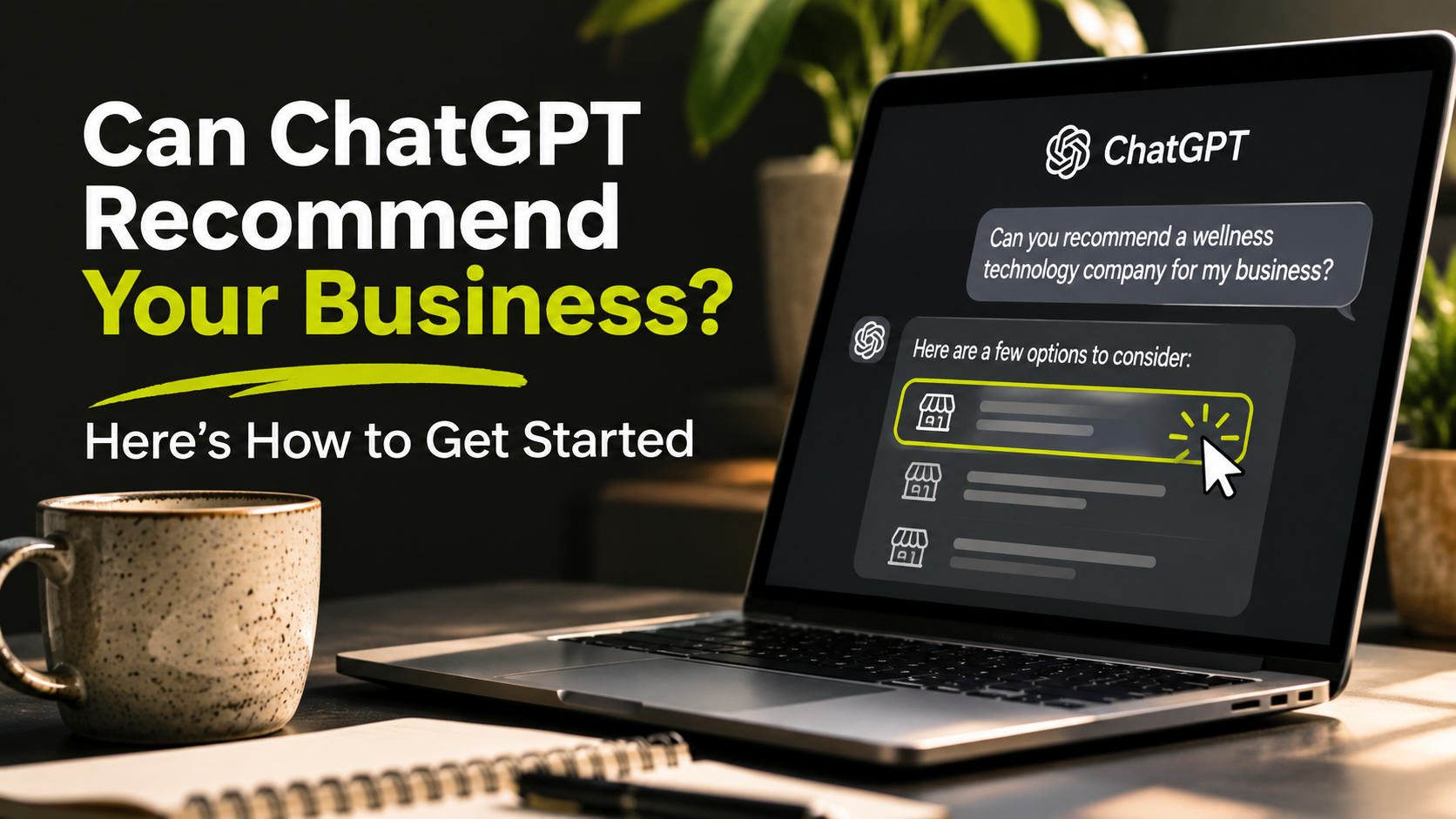
How to Get Your Business Found on ChatGPT
Your next customer might not Google your business. They might ask ChatGPT who they should work with.
Think about how you find businesses today.
Maybe you search Google, read a few reviews, visit several websites, and compare your options.
Now imagine asking ChatGPT:
"Can you recommend a company that helps wellness businesses manage their customer relationships and marketing?"
Instead of sorting through pages of search results, you might receive a handful of recommendations, explanations of what each company offers, and links to learn more.
That's a significant change in how people discover businesses.
And if you're running a wellness brand, clinic, or service-based business, it's worth understanding what that means for you.
Can ChatGPT Actually Recommend Businesses?
Yes.
ChatGPT can search the web, identify businesses relevant to a customer's question, compare options, and provide links to supporting information.
But here's something important: ChatGPT doesn't simply recommend whoever has the best website or the most blog posts.
Recommendations depend on the customer's question, available information, relevance, and other factors.
And appearing in a recommendation isn't guaranteed.
The goal isn't to trick AI into mentioning your business. It's to make sure your business is easy to discover, understand, and evaluate.
Something New: You Can Now Claim Your Business in ChatGPT
On November 10, 2026, OpenAI announced Businesses in ChatGPT, a new beta experience that gives eligible businesses more control over their business information.
Through its Business Hub, eligible businesses can claim and verify their profiles, update important details, and access information about how people discover them.
This is a meaningful development because businesses now have a more direct way to provide accurate information about what they offer.
How to Get Started
Step 1: Visit the official Business Hub
Go to: https://openai.com/business/businesses-in-chatgpt/
Select Claim your business.
Step 2: Find and claim your business
Follow the prompts to locate your business and begin the claiming process.
You'll need to verify that you own the business or are authorized to represent it.
Availability is being introduced gradually, so not every business will necessarily be eligible immediately.
Step 3: Review your business information
Once verified, review the information you're able to manage, including your business description and offerings.
Make sure it clearly explains:
What your business does.
Who you serve.
What products or services you provide.
What makes your business relevant to potential customers.
Where customers can learn more or take the next step.
Be specific.
"We help people improve their health" is much less informative than "We provide virtual health coaching for working adults who want support building sustainable nutrition, movement, and lifestyle habits."
Step 4: Keep your information current
As your services, products, or business details change, review your profile so potential customers can find accurate information.
Claiming your business doesn't guarantee that ChatGPT will recommend you or rank you higher. But it creates an opportunity to manage information that may help customers understand your business.
Test Whether ChatGPT Can Find Your Business
Here's a simple exercise you can try today, whether or not you've claimed your business.
Open ChatGPT and start a new conversation.
Ask a question your ideal customer might realistically ask.
For example:
"Can you recommend three virtual health coaching businesses that work with busy professionals?"
Or:
"What companies help the best with sleep that people love"
Use ChatGPT's web search feature so you're evaluating publicly available information.
Look at the recommendations.
Does your business appear? If it does, is the description accurate? What sources does ChatGPT reference?
If it doesn't appear, don't panic.
One search isn't enough to determine whether your business is visible across AI search. Recommendations can change depending on the question, context, and information available.
Now try a second exercise.
Ask:
"Search the web for [Your Business Name]. What does this business do, who does it serve, and what services does it offer? Include your sources."
This is particularly useful because you're no longer testing whether ChatGPT recommends you over competitors. You're testing whether it can accurately understand your business.
If the answer is incomplete or inaccurate, you've found something worth investigating.
Five Ways to Make Your Business Easier for AI to Understand
1. Be clear about who you serve
Your website should answer three basic questions:
What do you do? Who do you help? What problems do you solve?
Creative marketing language has its place, but it shouldn't replace clear explanations.
2. Make your services easy to find
If you offer coaching, clinical services, supplements, or technology solutions, explain those offerings on accessible website pages.
Don't make visitors—or search systems—guess what you sell.
3. Build a consistent online presence
Review your website, social profiles, business listings, and other public information.
Your business name, positioning, and important details should be consistent.
4. Publish content that answers real questions
Think about what customers ask before deciding to work with you.
Those questions can become useful articles, FAQs, and educational resources.
For example, a wellness clinic might explain how its services work, what patients can expect, and how its approach differs from other options.
Helpful content gives both customers and search systems more context.
5. Make sure your website can be accessed
OpenAI uses a web crawler called OAI-SearchBot to help discover content for ChatGPT search.
If your website blocks that crawler, your content may not be eligible to appear in ChatGPT's search answers.
Your website administrator can check your robots.txt settings and any firewall or security rules that might prevent access.
You don't need to understand the technical details yourself, but it's worth asking whoever manages your website to check.
Can You Track Visitors Coming From ChatGPT?
Yes, at least some of them.
OpenAI documents that links from ChatGPT search can include the tracking parameter:
utm_source=chatgpt.com
This can help you identify referral traffic in analytics tools such as Google Analytics.
It won't capture every possible way someone discovers your business through AI, but it's a useful starting point.
The Bigger Picture: Being Recommended Starts With Being Understood
For years, businesses have focused on getting found in search engines.
That's still important.
But customers are increasingly able to ask AI systems for help evaluating their options, comparing services, and deciding what to do next.
That changes the conversation.
Instead of focusing only on keywords, businesses also need to think about whether their online presence clearly communicates who they are, what they offer, and why someone might choose them.
And here's the encouraging part.
You don't need to become an AI expert to get started.
Claim your business if you're eligible. Review your website. Test what ChatGPT can find. Correct inaccurate information. Keep publishing genuinely useful content.
Those are practical steps that make sense regardless of how AI search evolves.
The question isn't just whether people can find your website anymore. It's whether they can understand why your business is the right fit.